> ## Documentation Index
> Fetch the complete documentation index at: https://docs.toolip.io/llms.txt
> Use this file to discover all available pages before exploring further.
# How to Get Started
> Follow these steps to set up your Residential Proxy with toolip.
Prefer an enterprise-grade guide? Learn more about Oculus Proxies Rotating Residential Proxies Quick Start.
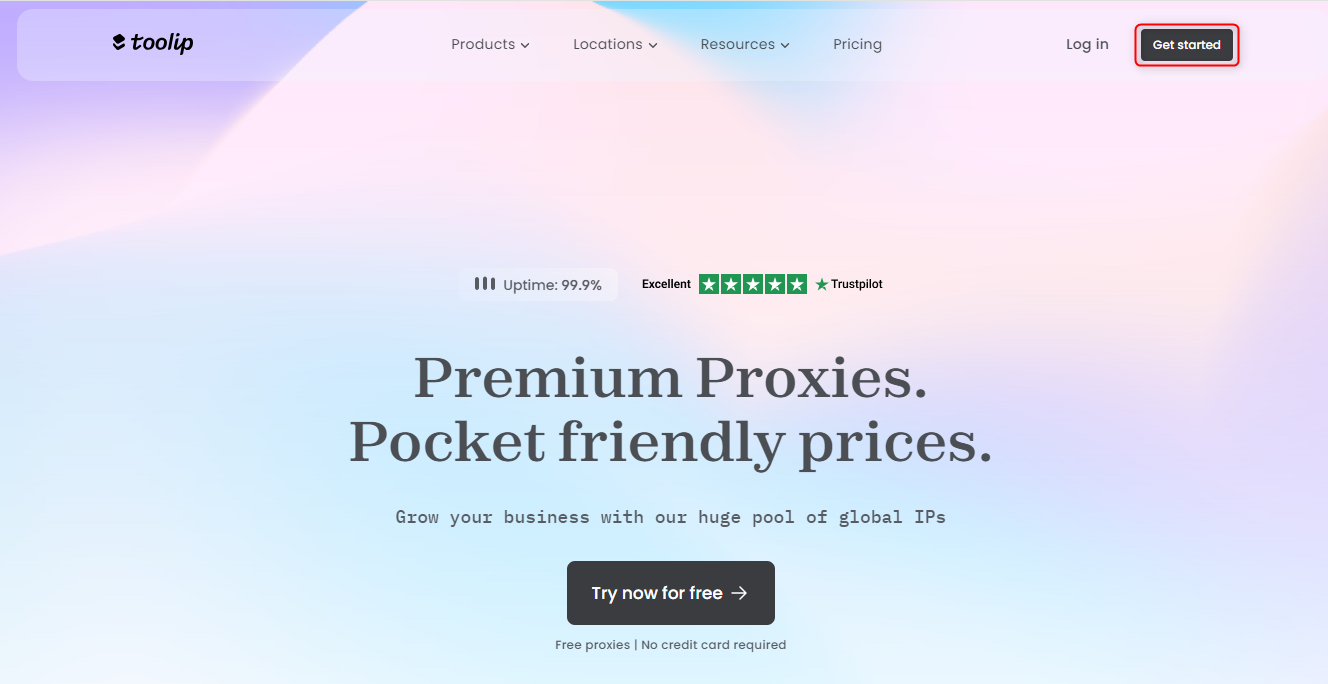
Open [toolip](https://toolip.io) and click on **Get started**
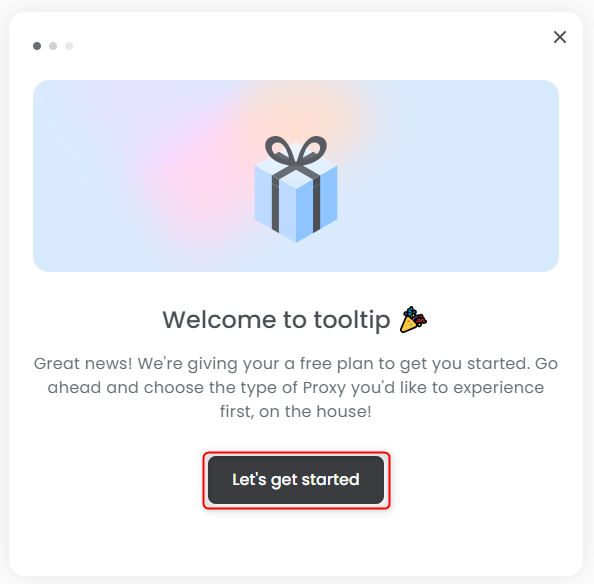
 Click **Let’s Get Started** to follow the setup instructions
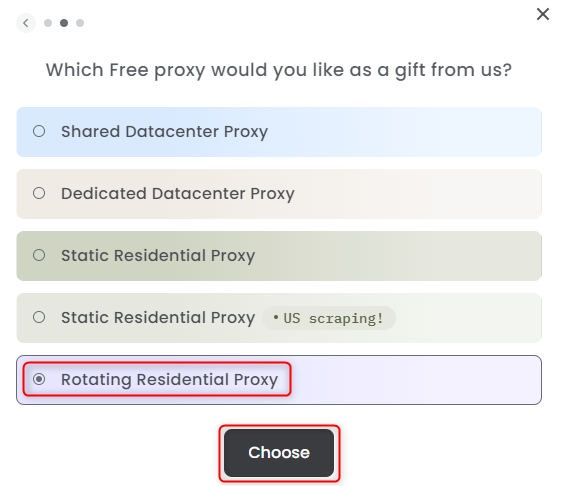
 Choose **Rotating Residential Proxy** from the list, then click **Choose**
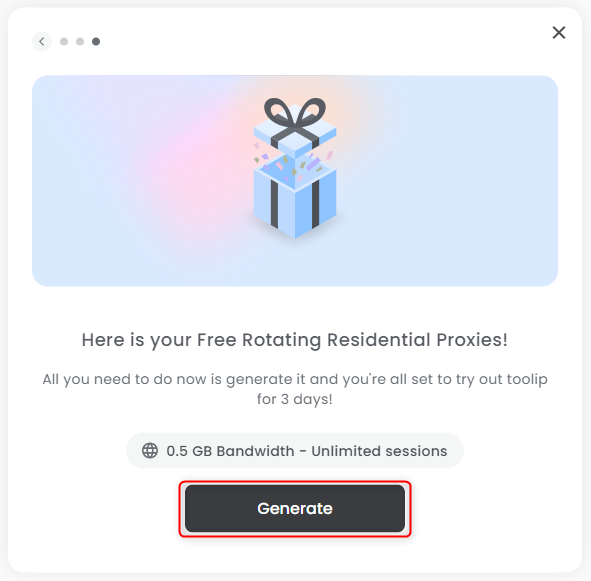
 Click the **Generate** button to create your proxy
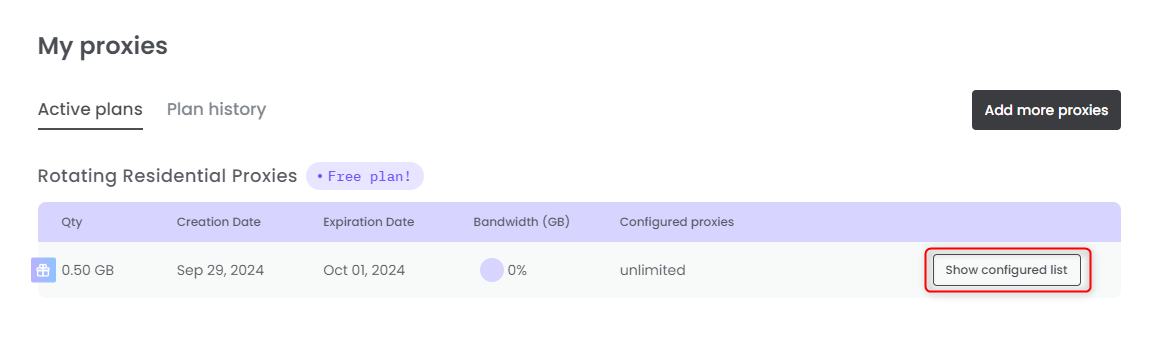
 Click on **Show configured list** to start using your proxy
 Sign up for your free plan — no cost at all! If you’re satisfied, you can always and purchase more proxies [here](https://toolip.io/pricing/rotating-residential-proxies?lang=en).
Rotating Residential **does not support POST requests** and operates in **read-only mode**.
Sign up for your free plan — no cost at all! If you’re satisfied, you can always and purchase more proxies [here](https://toolip.io/pricing/rotating-residential-proxies?lang=en).
Rotating Residential **does not support POST requests** and operates in **read-only mode**.