> ## Documentation Index
> Fetch the complete documentation index at: https://docs.toolip.io/llms.txt
> Use this file to discover all available pages before exploring further.
# Toolip API Token
> Can't find your API token? Follow these simple steps.
Prefer an enterprise-grade guide? Learn more about Oculus Proxies Proxy API Overview.
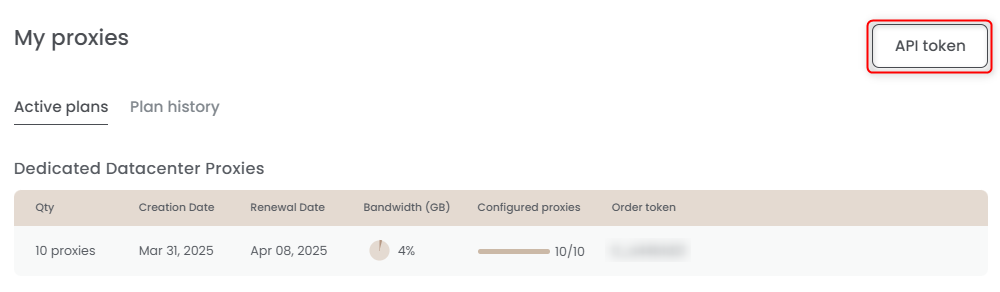
From your [dashboard](https://toolip.io/dashboard), click on **API token** located at the top of the page.
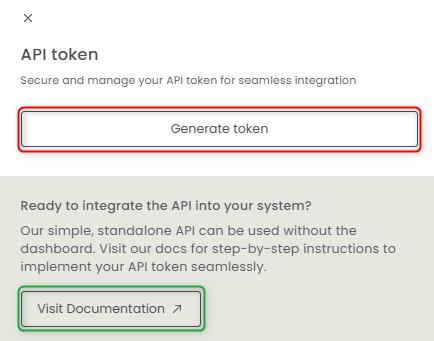
 Click **Generate Token** to create a new API token. You can also click **Visit Documentation** to explore our API reference and learn more about available endpoints.
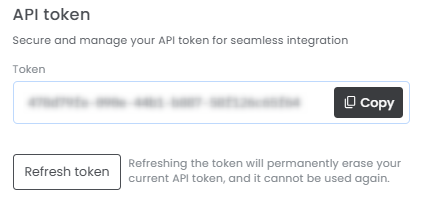
 Once your token is **generated**, copy it and add it to your project. If needed, you can **refresh** the token at any time!